As long as you have created your account as an individual paid account or under the parish's subscription via a browser first, you should then be able to sign in on the Formed app.
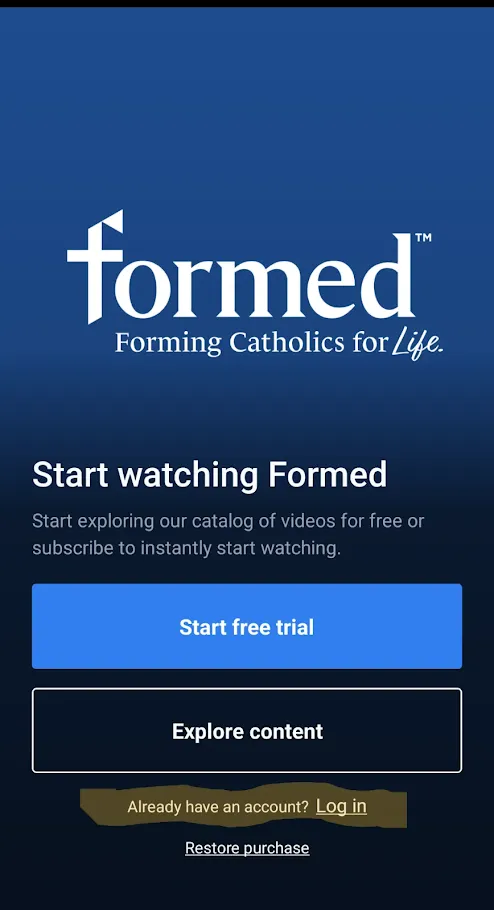
1. Open the Formed app on your device, and click on Log In (underneath Explore Content) and enter your email address where prompted.
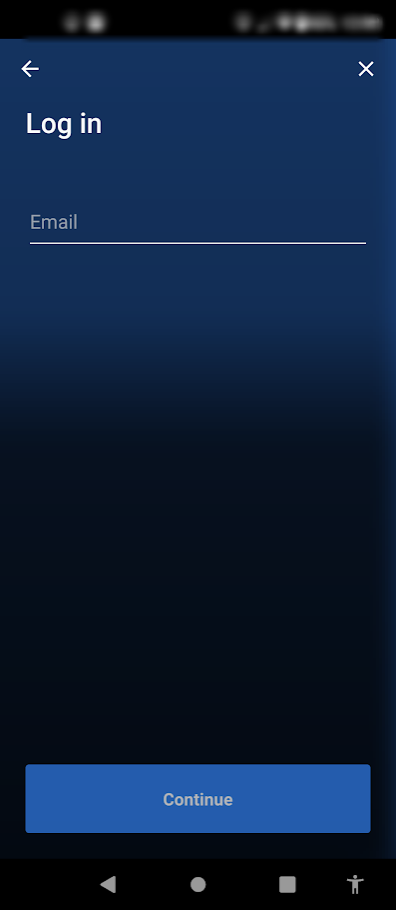
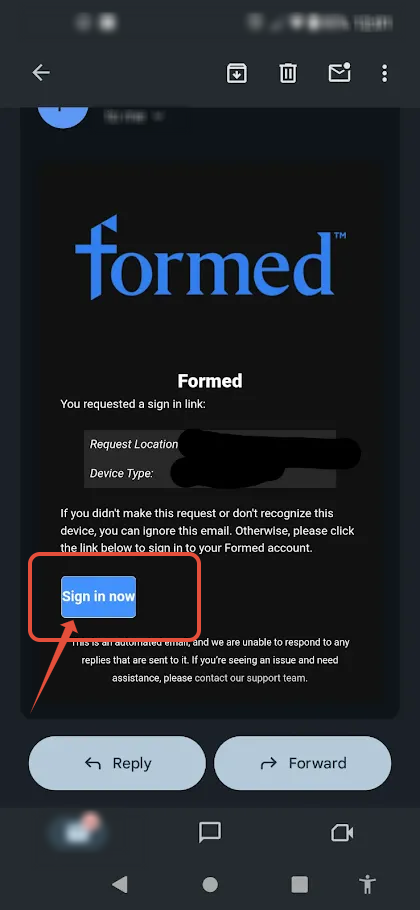
2. Then we will email you a sign in link to your email address. Once you click on the link you will be signed in on the Formed app.
If you need further technical support, please submit a help request here: https://watch.formed.org/contact/support
Was this article helpful?
That’s Great!
Thank you for your feedback
Sorry! We couldn't be helpful
Thank you for your feedback
Feedback sent
We appreciate your effort and will try to fix the article