Yes! Now you can create a “My List” of all the great content you’re interested in and go back to it when you’re ready to watch.
On any content that you would like to add to your list, there will be a button that says "Add to watchlist".
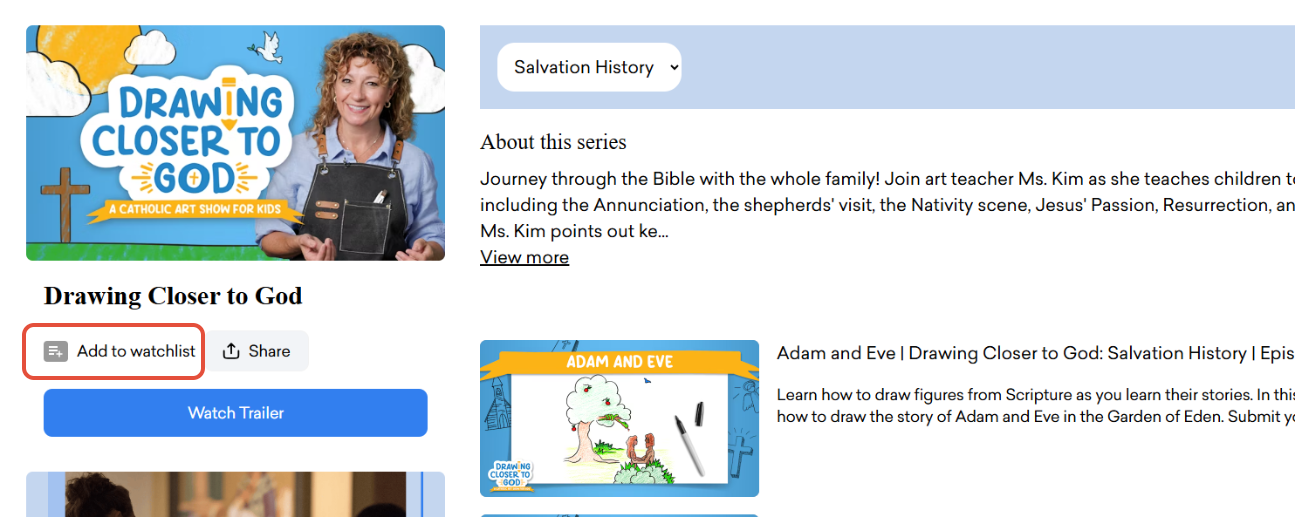
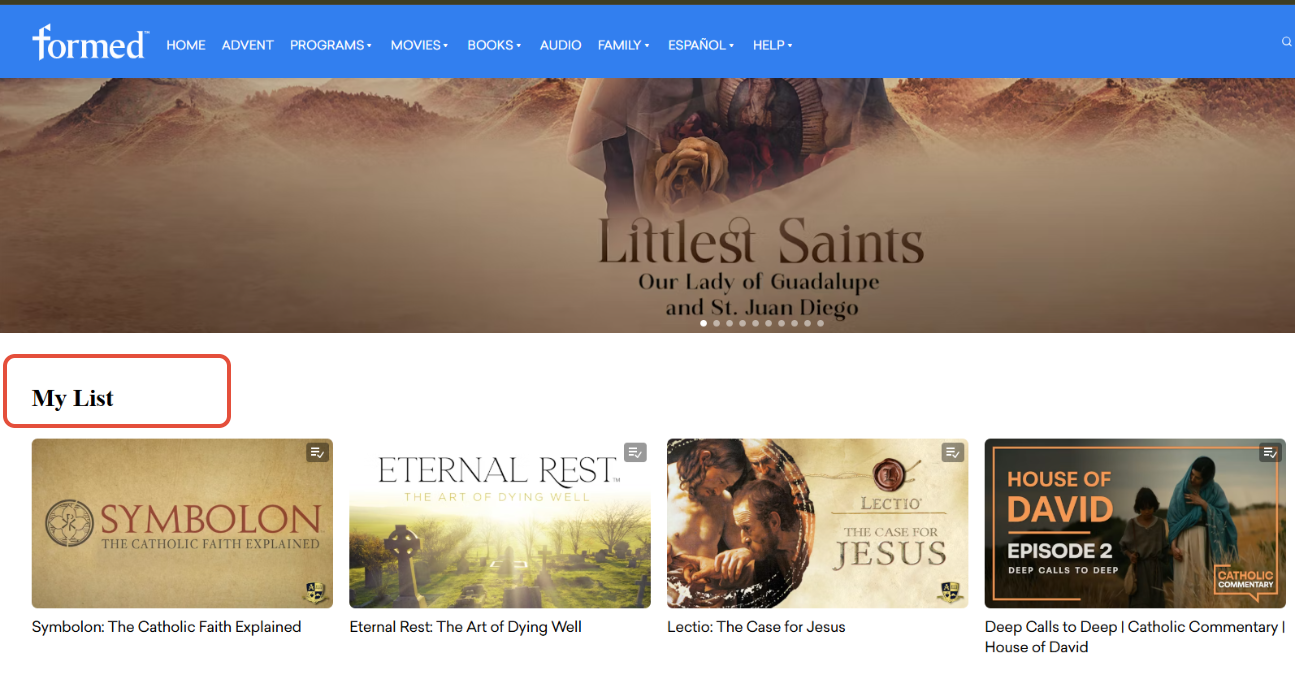
Once an item is added to your watchlist, it appears near the top of your main browse page under "My List".
Was this article helpful?
That’s Great!
Thank you for your feedback
Sorry! We couldn't be helpful
Thank you for your feedback
Feedback sent
We appreciate your effort and will try to fix the article